凡是参加Minecraft教育 AIMinEdu编程小班课学员均需要提供独立学习项目。具体说明如下:
目录
如何复制独立项目代码链接
1.1 点击Minecraft我的世界教育版右上角齿轮⚙️设置
1.2 在下拉列表中点击分享(Share)

1.3 输入项目名字,点击分享项目

1.4 复制链接或者点击下图中最右边按钮复制链接

1.5 将复制的链接发送邮件到我们提供的邮箱
编程英文小班课 Independent Study Project 说明
创建开放式编程独立项目作业,鼓励孩子们通过独立创意编程项目运用所学的编程知识,这是培养解决问题的技能、创造力和对基本工程概念的理解的绝佳方式。 下面,我提供了一份作业大纲,仅侧重于使用 Minecraft 编程来创建创独立学习项目。
Minecraft 编程创意项目测试-目标
目标:利用您在 Minecraft 中的编程技能来设计和实施创新项目。 从下面的列表中选择一个或多个项目。 这些项目应该仅使用编程技术来完成,特别是通过使用 MakeCode 或命令块。
1. Programmable Redstone Car
- Task: Code a car that can move forward, backward, and stop based on chat commands.
- Challenge: Use loops, conditional statements, and redstone mechanisms coded via MakeCode or command blocks.
2. Automated Waterfall
- Task: Create a waterfall that can be turned on and off with coded commands.
- Challenge: Utilize water flow control with pistons or other blocks, controlled by coding logic to simulate an actual waterfall mechanism.
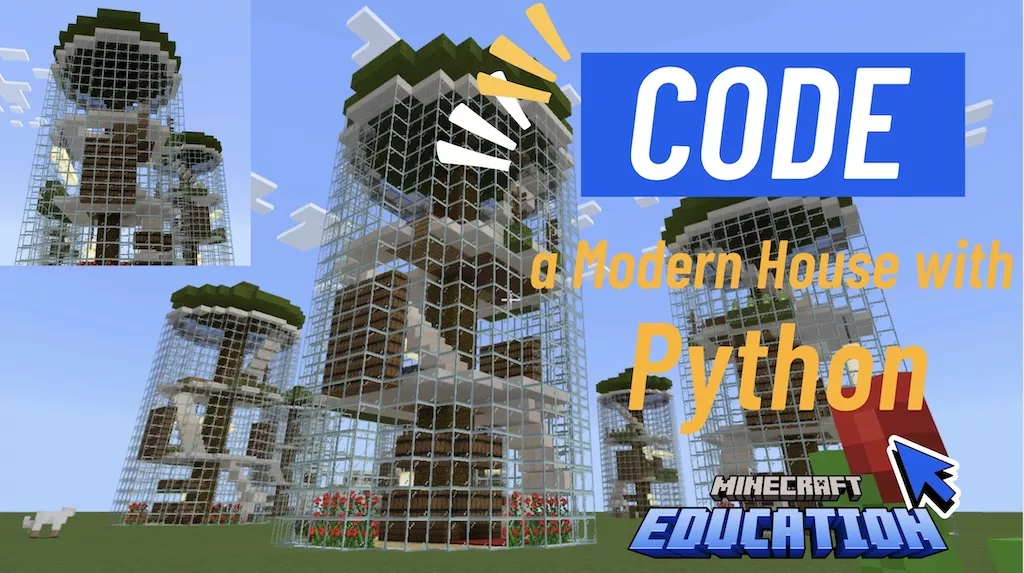
3. Smart Modern House
- Task: Construct a modern house that features coded automation such as lighting that turns on at night, automatic doors, and a security system that alerts when intruders approach.
- Challenge: Integrate various sensors and output devices using coding to make the house interactive.
4. Self-Harvesting Farm
- Task: Build a farm where crops are automatically planted, grown, and harvested through coded instructions.
- Challenge: Code sequences that detect when crops are ready to harvest, automate the harvesting process, and store the harvested goods.
5. Mini-Adventure Game
- Task: Develop a small adventure or puzzle game within Minecraft using coded triggers, enemy spawns, and storytelling elements.
- Challenge: Code complex game logic that handles player interactions, manages game states, and provides feedback based on player actions.
6. Weather Control Station
- Task: Create a control station that can change the weather in Minecraft at the push of a button or a specific chat command.
- Challenge: Use commands to switch between clear, rain, and thunderstorm conditions. Integrate conditional statements to display current weather status.
7. Automated City
- Task: Design a mini city where street lights automatically turn on at night and doors lock during certain hours for security.
- Challenge: Code sensors that detect time of day to control lighting and door mechanisms. Add additional features like an automated metro or bus system that moves NPCs or players from one part of the city to another.
8. Escape Room
- Task: Develop an escape room with several puzzles that players must solve to exit.
- Challenge: Use command blocks to create locks and triggers that open new areas or reveal clues when players solve puzzles or input correct codes.
9. Wildlife Sanctuary
- Task: Build a sanctuary where wildlife spawns naturally and behaves in specific ways.
- Challenge: Code animal behaviors using AI patterns, and use environmental triggers to initiate events like feeding or sleeping.
10. Underwater Adventure
- Task: Create an underwater exploration area with hidden treasures and dangers.
- Challenge: Use coding to create air pockets, control water currents, and spawn unique marine life. Incorporate puzzles that require understanding of underwater physics.
11. Virtual Museum
- Task: Design a virtual museum with historical artifacts that players can learn about through interactive exhibits.
- Challenge: Code information stands that players can interact with to learn facts about the exhibit. Include quizzes and scavenger hunts to make the learning process interactive.
12. Space Station
- Task: Build a space station in the sky where gravity is simulated, and players can explore different modules.
- Challenge: Use coding to simulate low gravity and control airlock functions. Create challenges related to managing resources like oxygen and food.
13. Fantasy Kingdom
- Task: Construct a fantasy kingdom with automated defenses and interactive NPCs.
- Challenge: Code castle gates that open for friendly NPCs but remain closed and defend against hostile mobs. Script NPC interactions and events like festivals or tournaments.
14. Disaster Simulation
- Task: Develop a simulation of natural disasters like earthquakes, tsunamis, or volcanic eruptions.
- Challenge: Code the environmental effects of each disaster, including how they impact structures, NPCs, and the player. Include safety missions or evacuation plans.
15. Interactive Art Gallery
- Task: Create an art gallery where each piece of art triggers visual or auditory effects when approached by a player.
- Challenge: Code sensors that detect player proximity and trigger effects like lighting, sounds, or visual animations that enhance the artwork.
16. Other
测试说明
选择您的项目:从上面的列表中选择一个或多个要处理的项目,也可以自己独立设计
规划您的代码:在构建游戏之前,在纸上或流程图中规划您的代码,以组织您的想法和行动。
在 Minecraft 中实施:使用 MakeCode 或命令块在 Minecraft 中实现您的计划。 确保所有逻辑和功能都通过编程实现。 记录您的流程:跟踪您的编程步骤、面临的挑战以及您如何克服这些挑战。
项目说明(可选)
PS:我们孩子在国外上学,他们从小学二年级开始独自准备ppt并演讲,过程中非常锻炼孩子。
为确保学员在独立编程项目中获得最大学习效果,同时展示他们的成果,建议准备一份全面的演示文稿(例如PowerPoint)。这不仅有助于学员系统性地思考和整合所学,还能锻炼他们的演讲和表达能力。以下是针对孩子独立编程项目的PPT撰写框架建议稿:
PPT撰写框架建议稿
内容组织
- 封面页:
- 项目名称
- 学生姓名和班级
- 提交日期
- 项目概述:
- 简短介绍项目的背景和主题
- 项目的目标和预期结果
- 研究与灵感来源:
- 描述激发项目灵感的来源(例如,问题、兴趣点或现实世界的需求)
- 相关研究或现有技术的简短概述
- 设计过程:
- 展示项目的设计和规划阶段
- 包括初步设计草图和选型理由
- 编程过程:
- 解释使用的编程语言和技术
- 展示关键代码片段及其功能
- 解释代码如何解决问题或实现功能
- 测试与改进:
- 描述测试过程中遇到的主要挑战和解决方案
- 展示如何改进代码以提高效率或功能
- 项目展示:
- 包括最终项目的截图或演示视频链接
- 解释项目如何操作及其特点
- 学习体会:
- 反思在项目中学到的关键知识和技能
- 讨论项目过程中的成长和遇到的难题
- 未来展望:
- 提出对项目未来改进的想法
- 可能的扩展或新功能
- 致谢:
- 感谢支持和帮助完成项目的个人或资源
设计和技术参考
- 幻灯片风格统一:选择清晰、专业的模板,保持整个演示文稿的风格一致。
- 图文并茂:合理使用图表、代码截图和流程图来辅助解释和展示。
- 简洁明了:每个幻灯片的内容要简洁,避免过多文字堆砌,核心信息突出。
- 逻辑清晰:内容安排要有逻辑性,使听众能够容易跟随和理解。
- 交互环节:如果可能,加入一些互动环节,如问答或现场演示,使演示更加生动。
提交与展示参考
- 截止日期:高级版学员会明确项目提交的截止日期,初级编程会给充分时间。
- 演示时间:每个学生应准备5-10分钟的演示时间,随后接受问答。
- 格式要求:提交的PPT文件需要符合指定的格式要求(如PPTX),并确保所有的媒体内容(如图片、视频)能在演示时正常显示。
评价标准
创造力和独创性:解决方案和设计的独特性和创造性如何?
编程的复杂性:使用编程结构来解决任务的效率如何?
功能会完整性:项目是否按预期工作?
演示和演讲:学员如何解释和演示他/她的项目?
更多惊喜发挥:眼前一亮耳目一新的惊喜发挥都是加分项